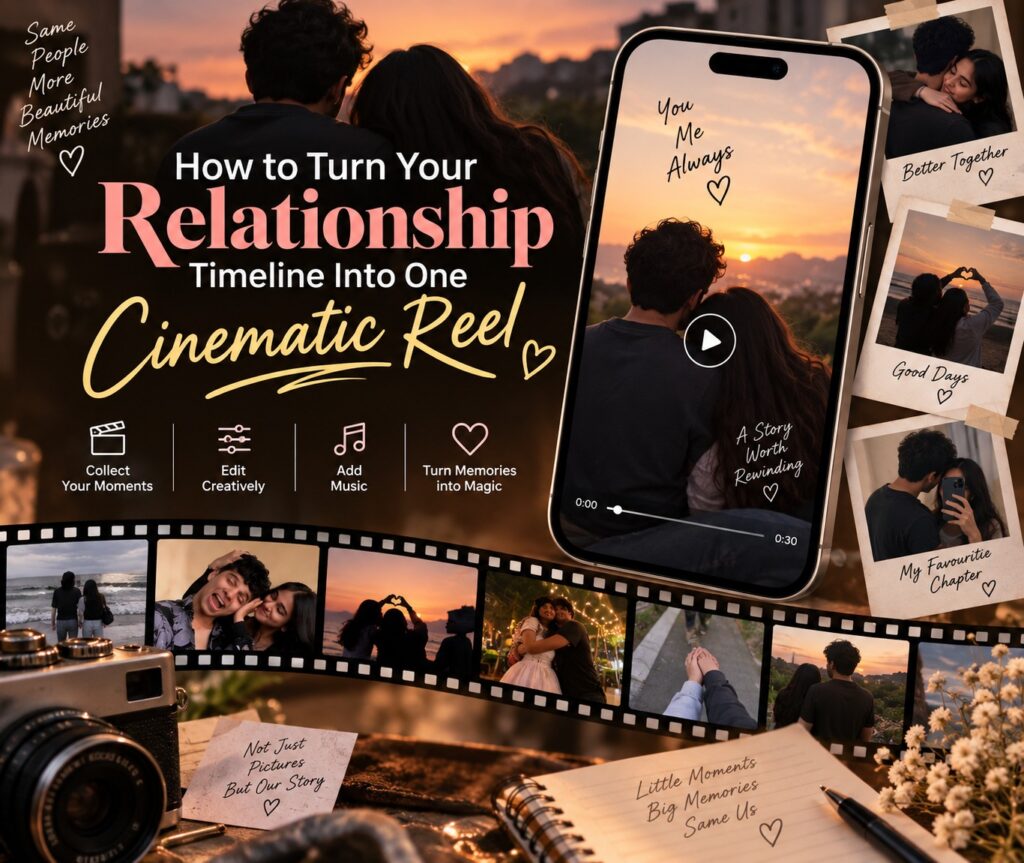
Every relationship has a timeline worth telling, the first awkward date, the trip that made it official, the small everyday moments that added up to something real. Most of that story lives scattered across your camera roll, one photo here, a video clip there, never quite pulled together into something that captures the whole journey.
A cinematic relationship reel does exactly that. Instead of a single moment, it tells the arc, where you started, what you’ve been through, and where you are now. And with the right template from VN Template, you don’t need editing experience to make it feel like a proper love story.
Why a Timeline Reel Hits Differently
A single photo can be sweet, but a timeline reel builds emotion the way a movie does. It gives the viewer a beginning, a middle, and a moment that lands. That structure is exactly why relationship timeline reels consistently outperform random photo dumps, they’re not just showing a relationship, they’re telling its story.
Step 1: Map Out Your Timeline Before You Start Editing
The biggest mistake people make is opening the editing app first and figuring out the story later. Spend ten minutes planning instead:
- Pick your starting point: the first photo together, the first date, or even before you met
- Choose 2 to 3 key milestones: a trip, a festival, moving in together, an anniversary
- End on your most recent or most meaningful photo together
Having this order sorted out before you touch a template is what makes the final reel feel like a story instead of a slideshow.
Step 2: Choose a Template That Matches Your Story’s Emotional Arc
Not every relationship story has the same tone, some are dreamy and romantic, others are steady and comforting, some are meant to feel intense and deeply emotional. The VN Template Couple collection has templates built for each of these moods.
For a soft, building love story: Tum Jo Aaye captures that feeling of someone arriving in your life and changing everything, ideal for a timeline that starts before the relationship and builds up to it.
For a deep, emotionally intense arc: Aashiq Tera brings a stronger emotional pull, well suited for a relationship story with real depth and history behind it.
For the story of how it all began: The Day I Met You is built specifically around that first meeting, making it a natural opening chapter template or a full timeline reel centered on origins.
For a steady, comforting kind of love: Preet Re suits relationships defined by trust and consistency rather than drama, ideal for a timeline that’s less about big moments and more about steady growth.
For an anniversary-focused timeline: If your reel is meant to celebrate how far you’ve come, templates like Darkhaast (Anniversary), Vaaroon, or Tum Ho To are built specifically to mark a milestone rather than just tell the origin story.
Step 3: Download the Template and Open It in the VN App
Once you’ve picked a template, download it and scan the QR code to open the full project in the VN app. Everything, the music, the pacing, the transitions, is already built in and ready for your photos.
Step 4: Place Your Photos in the Right Order
This is where your planning from Step 1 pays off. Drop your photos into the template slots in the order you mapped out, earliest to most recent, or however your story naturally flows. Since the template is already paced for a narrative arc, placing photos in the right order is what makes the difference between a reel that feels random and one that feels like a story.
A few things to keep in mind while placing photos:
- Start with something that sets the scene, not necessarily the most polished photo
- Use your strongest, most emotional photo near the end, right before the final beat
- Mix candid and posed photos so it doesn’t feel like a highlight reel with no texture
Step 5: Add Text If the Template Allows It
Some templates include a text layer for a date, a location, or a short line. If yours does, keep it simple, a date range, “3 years and counting,” or a single line that means something only the two of you fully understand. The photos should carry most of the emotional weight, not the text.
Step 6: Export and Share
Export in HD and post it as a reel, save it as a keepsake, or send it directly to your partner or best friend as something personal. Timeline reels tend to perform especially well around anniversaries, birthdays, or just as a spontaneous “look how far we’ve come” post.
A Quick Guide to Picking Your Template
- Story of how you met → The Day I Met You
- Slow build from before to after → Tum Jo Aaye
- Deep, emotionally rich relationship → Aashiq Tera
- Steady, trust-based relationship → Preet Re
- Marking a specific anniversary → Darkhaast, Vaaroon, or Tum Ho To
Why This Works So Well With VN Template
The hardest part of a timeline reel isn’t finding the photos, it’s making them feel connected. A good template already knows how to build that emotional arc through pacing and music, so all your effort goes into choosing the right photos and the right order, not fighting with a blank timeline.
Browse the complete range of relationship-ready reels on the VN Template Couple collection and turn your story into a reel worth watching more than once.