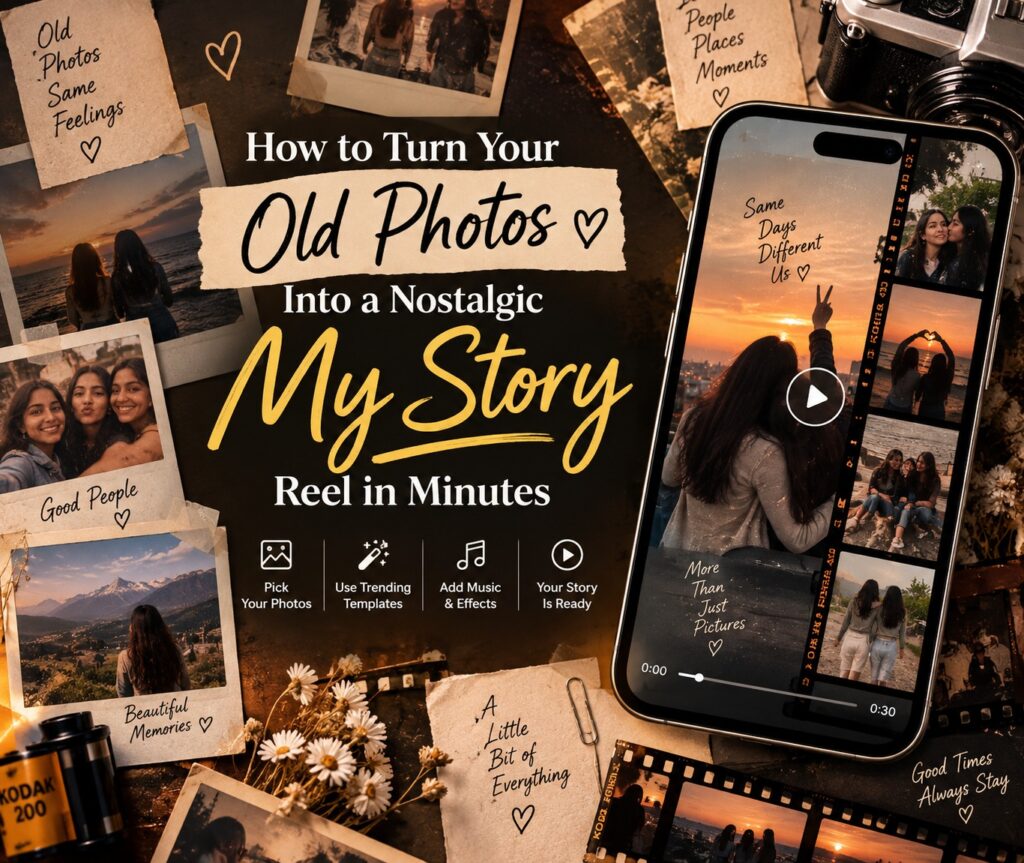
There’s a reason nostalgia content keeps trending on Instagram. A reel made from old, slightly grainy photos, childhood pictures, college days, an old relationship, a phase of life that’s gone, hits differently than anything shot yesterday. It doesn’t need a perfect setup or trending dance moves. It just needs the right song, the right pacing, and photos that already carry the emotion.
The good news is you don’t need editing skills to make one of these reels work. With ready-made templates from VN Template, you can turn a folder of old photos into a polished, emotional “my story” reel in just a few minutes.
Why Nostalgia Reels Perform So Well
Nostalgic reels work because they don’t try too hard. A slow zoom on an old photo, a beat drop that lands right as a childhood picture appears, a caption that says more than the visuals alone, this combination taps into something viewers actually feel, not just scroll past. That’s why tags like #Nostalgia, #My Story, and #Life Moments consistently show up on reels that get saved and shared rather than just liked.
For creators, this also means nostalgia content is one of the easiest genres to make well, because the emotional work is already done by the photos themselves. The template just needs to frame them right.
Step 1: Gather the Right Photos First
Before opening any app, spend five minutes picking your photos. The best nostalgic reels usually mix:
- A few childhood or throwback photos
- One or two “then vs. now” comparisons
- A couple of candid, imperfect shots rather than only posed ones
- A final photo or clip that feels like a natural closing moment
Having 6 to 10 photos ready before you start editing is what actually saves you time, not the app itself.
Step 2: Pick a Template Built for Nostalgia
Instead of starting from a blank timeline, choose a template that’s already built around this exact mood. The VN Template Personal collection has several designed specifically for old-photo, memory-style reels:
- Nostalgia, built specifically around throwback photo reveals with slow, emotional pacing
- Riley’s Memories, a soft, story-driven template ideal for a photo timeline
- Yesterday’s Gone, for a more reflective, bittersweet tone
- Fragments, which breaks up multiple photos into short, impactful cuts
- Filmy Life, for a more cinematic, movie-like memory reel
- Yeh ek Zindagi, suited for friendship and life-moment throwbacks
- Tujhko Jo Paaya, a softer, more emotional pick for personal memories
Each of these already has the transitions, timing, and music sync built in, so the mood is set before you even add your own photos.
Step 3: Download and Open It in the VN App
Once you’ve picked a template, download it from VN Template and open it directly in the VN app on your phone. There’s no separate software to learn. The whole project loads exactly as designed, with every slot ready for your own content.
Step 4: Replace the Placeholder Slots With Your Photos
This is where your story comes in. Tap each placeholder and swap it with your own photo, following the order you planned in step 1. Since the pacing and beat-sync are already built into the template, you don’t need to adjust timing yourself, just place photos in the order that tells your story best, oldest to most recent, or however feels right for the memory you’re sharing.
Step 5: Add a Caption Text If the Template Allows It
Some templates include a text layer for a short line, like a date, an age, or a simple phrase such as “then and now” or “a lot has changed.” Keep it short. The photos are already doing most of the emotional work, so one honest line is usually enough.
Step 6: Export and Post
Export in HD and share it as a reel or a WhatsApp status. Nostalgic content tends to perform best in the evening or on weekends, when people are more likely to slow down and actually watch a reel through to the end instead of scrolling past.
Total time needed: under 10 minutes, most of which is spent picking the photos, not editing.
A Few More Templates Worth Exploring
If you want to experiment with different moods within the same nostalgic theme, a few more picks from the Personal collection are worth trying:
- Dooron Dooron, for a distant, reflective tone
- No Idea, for an uncertain, in-between-chapters feel
- Chrono Trigger, for a more stylized, time-jump style edit
- Zindagi Jiyoo, for a hopeful, moving-forward close to your story
Why VN Template Makes This So Easy
Every template on VN Template is a ready-made project, not a blank canvas. That’s the entire point. The transitions, music sync, and pacing are already worked out by someone who understands what makes a nostalgic reel land emotionally. All you’re doing is dropping in the one thing no template can create for you: your own memories.
Browse the full range of memory and story-style reels on the VN Template Personal collection and turn your old photos into a reel worth watching till the end.